
Renting Your LinkedIn Account? The Bizarre New Scam Targeting Professionals
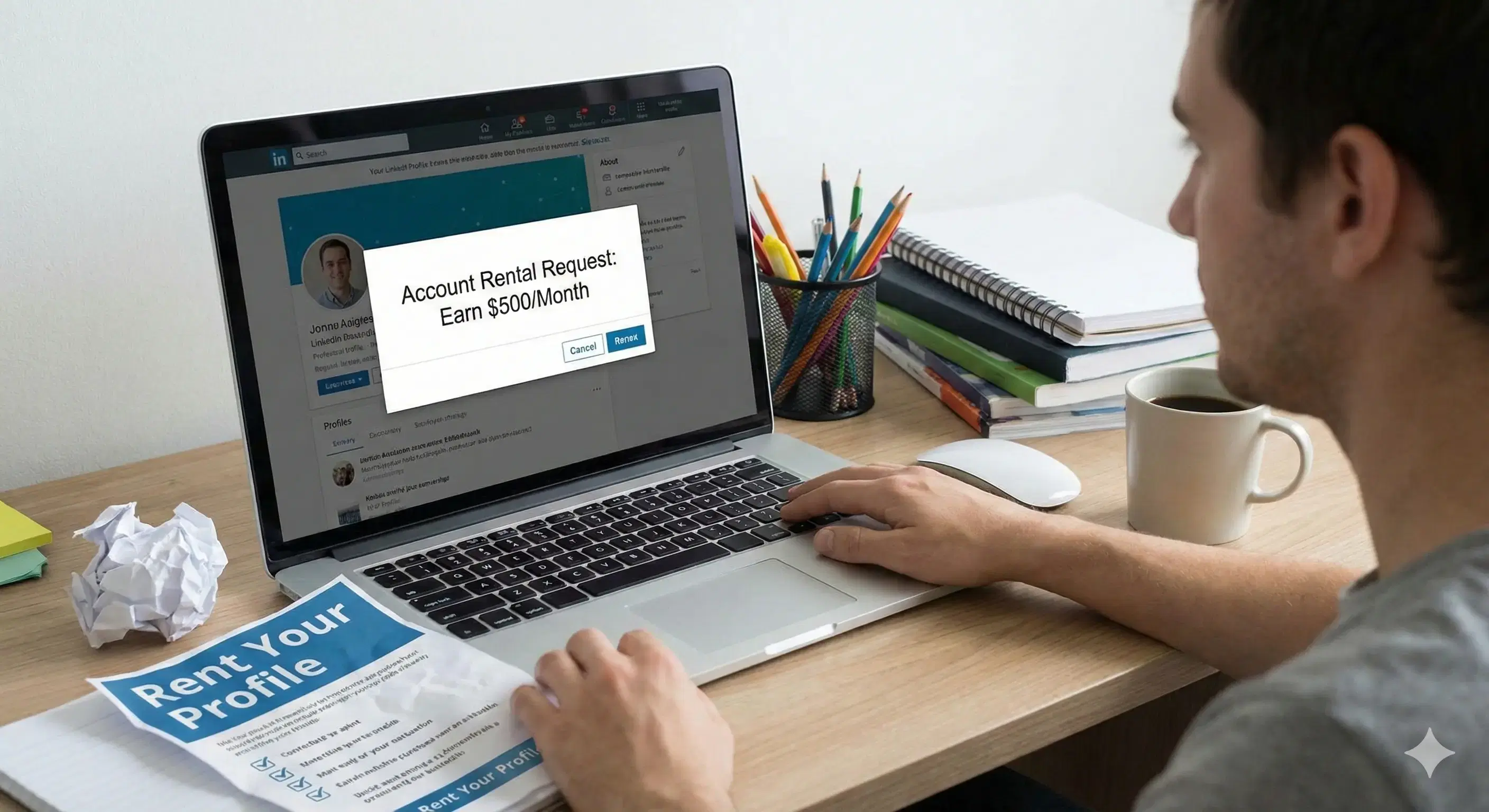
Renting Your LinkedIn Account? The Bizarre New Scam Targeting Professionals
Introduction: The Unsettling Offer
LinkedIn has long been the gold standard for professional identity online—a trusted platform where careers are built and connections are forged. It represents your professional reputation. But what if someone offered to "rent" that identity from you? A recent viral story from a Bengaluru-based professional, Nikhita Anil, has exposed a strange and alarming new LinkedIn scam that does just that, forcing us to reconsider the safety of our digital professional lives.
Takeaway 1: It Starts with a Bizarre Proposition
Have You Ever Heard of Renting Your LinkedIn Account?
Nikhita Anil, a Senior Brand Marketing Manager from Bengaluru, shared what she described as a "wild" experience when she was approached with an unusual offer: to rent LinkedIn account access for money. The proposition was so strange that it prompted her to question if this was a new, widespread form of online fraud.
In a now-viral post, she humorously compared the situation to the urban lifestyle of renting apartments, highlighting the absurdity of the offer:
"Most of you, all urban working corporate slaves like me must be living in rented apartments. And some of you lucky ones with generational wealth are probably renting out your apartments. But, have you ever heard of renting out your LinkedIn account?"
Takeaway 2: The Red Flags Are in the Details
The Anatomy of the Scam: How It Works
The fraudulent scheme's mechanics were revealed in screenshots shared by Nikhita Anil. As a security analyst, I can tell you the exchange was filled with classic red flags that every professional should learn to recognize. Here's what to look for.
- The Vague Justification: The scammer's explanation was that "My friend's company needs some LinkedIn accounts to expand their market." Vague language like this is a classic social engineering tactic used to create a plausible but unverifiable pretext for an unusual request.
- The Monetary Offer: The offer of $20 per week with a $10 deposit for goodwill is strategically designed. It's small enough to avoid triggering immediate disbelief but just enough to prey on financial curiosity and lower a target's guard.
- The Critical Demand: The most alarming request was for full login credentials: "You need to provide the account and password." Let me be clear: Legitimate organizations will never ask for your password. This demand is the single most definitive sign of a malicious actor.
- The Restrictive Condition: The user would be forbidden from changing any security or basic account information during the rental period. This is a critical mistake, as it effectively locks you out of your own profile while a scammer has free rein.
Takeaway 3: The Unknown Danger
What Do They Do With Your Account? The Real Risk.
The primary danger of this scam is the uncertainty surrounding the scammer's intentions. Once they have full control, the damage can be catastrophic. They aren't just borrowing your profile; they are hijacking your reputation. Scammers could leverage your established trust to launch sophisticated spear-phishing attacks against your high-value contacts, sending them malicious links or fraudulent invoices that appear to come from you. They could post fraudulent job offers or misinformation, irrevocably damaging your professional standing.
This uncertainty is the core of the risk, a point Nikhita Anil made perfectly clear.
"What do they actually do with your account? That's something you'll either find out later or maybe never."
Takeaway 4: LinkedIn Is Fighting Back
LinkedIn's Official Stance on Rising Scams
In response to the rise of sophisticated online fraud, LinkedIn provided a statement confirming its commitment to professional networking safety. In an exclusive comment to Business Today, the platform detailed the proactive measures in place to protect users.
"Right across the internet, scams and fraud are becoming increasingly sophisticated. As the world's largest professional networking platform, we use technology and teams of experts to find and remove them with 99.7% stopped proactively before a member reports. We encourage members to report any inappropriate comments or messages on LinkedIn, so our team can help protect them."
Takeaway 5: Five Steps to Secure Your Account Today
Your Action Plan: 5 Tools to Protect Yourself
Improving your account security is the most effective defense against evolving threats like phishing and account takeovers. The key takeaway for professionals is to be proactive. Here are five actionable cybersecurity tips and LinkedIn tools you can use immediately to fortify your profile.
- Look for Verification: This feature mitigates the risk of engaging with fake companies or recruiters. A verification badge on a job posting means there is confirmed information about the company or poster. This badge confirms that the poster is affiliated with an official company page, has verified their workplace, or has verified their identity through one of LinkedIn's partners.
- Enable Message Warnings: Activate LinkedIn's automated detection system to guard against malicious messages. This feature flags potentially harmful content, including scams and phishing attempts, directly within your inbox before you can click on a dangerous link.
- Filter Your Job Search: To avoid fraudulent job listings, use the job search filter to see only positions posted by verified entities. This filter allows you to search exclusively for jobs posted by companies with a verified LinkedIn Page and current job posters associated with those companies.
- Use a Passkey: Set up a passkey to log in using your device's biometric unlock feature, like Touch ID or facial recognition. This replaces your vulnerable password with a more secure method. As LinkedIn notes, "Passkeys are one of the most effective tools you can use to protect yourself from fraudulent activities like phishing."
- Activate Two-Step Verification: Turn on two-step verification to add a crucial layer of security against unauthorized logins. This requires a second form of verification (like a code sent to your phone) when you log in from a new device, effectively blocking attackers even if they manage to steal your password.
Conclusion: Stay Vigilant in the Professional World
This bizarre offer to rent LinkedIn account access is a stark reminder that scams are constantly evolving in their methods and sophistication. As our digital and professional lives become more intertwined, vigilance is our best defense. It leaves us with a critical question to consider: "Is this the next wave of scams we all need to watch out for?"