
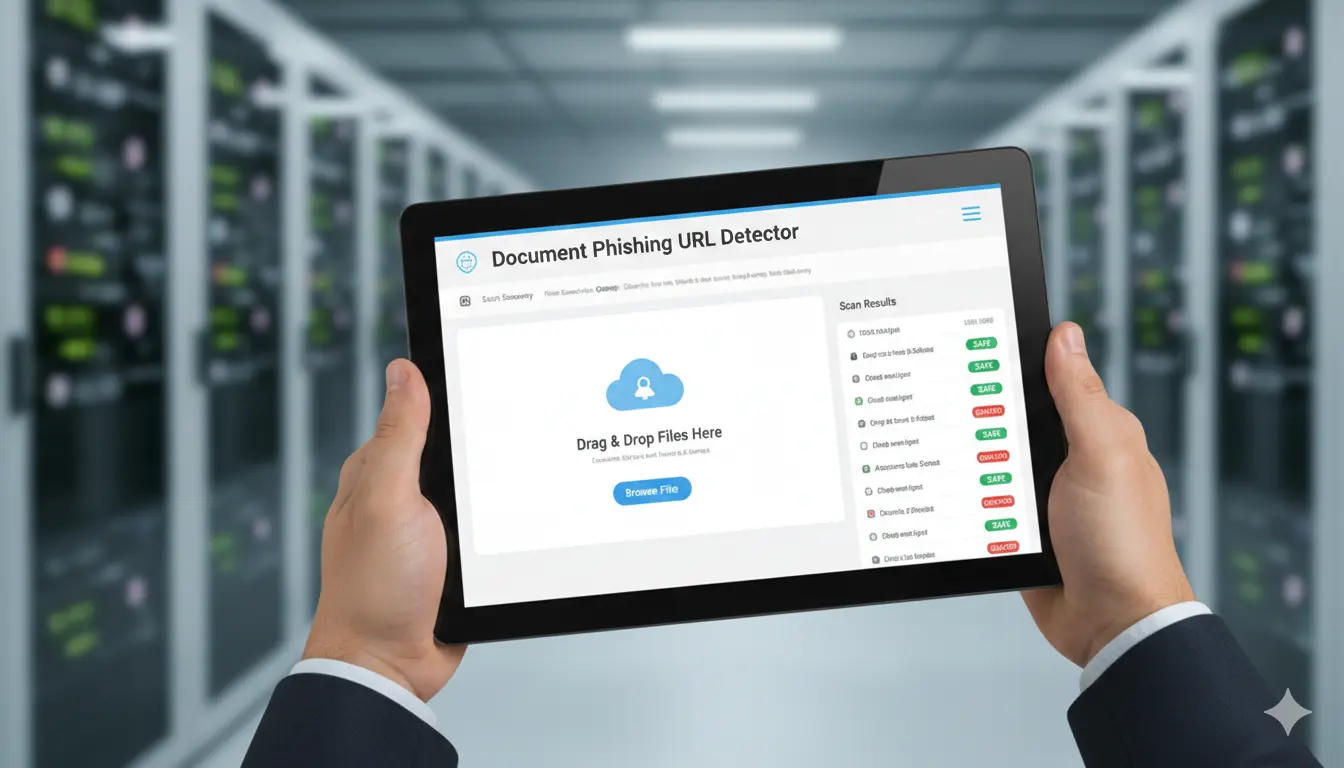
Document Phishing URL Detector
PhishShield AI Inspector helps organizations defend against phishing attempts by analyzing URLs and embedded links in real-time. Using AI-driven scanning and threat intelligence, it flags suspicious behavior, evaluates website trustworthiness, and performs email-level threat auditing.
Ideal for corporate IT teams and security operations centers (SOCs), it helps prevent credential theft, malware drops, and user impersonation attacks.
Overview
Detect from URLs and neutralize phishing threats in real-time using AI-based threat analysis.
PhishShield AI Inspector helps organizations defend against phishing attempts by analyzing URLs and embedded links in real-time. Using AI-driven scanning and threat intelligence, it flags suspicious behavior, evaluates website trustworthiness, and performs email-level threat auditing. Ideal for corporate IT teams and security operations centers (SOCs), it helps prevent credential theft, malware drops, and user impersonation attacks.
Ideal for
- Scanning suspicious email attachments for malicious credential-harvesting links
- Auditing internal corporate documents before widespread network distribution
- Preventing malware and ransomware drops initiated by malicious PDF downloads
- Investigating user-reported phishing attempts in Security Operations Centers (SOCs)
- Automating the analysis of high-volume incoming vendor or client documentation
Key capabilities
Embedded Link Extraction
Deep scans PDFs, Word documents, and emails to extract hidden hyperlinks, embedded objects, and potentially malicious redirect URLs.
Real-Time Threat Intelligence
Cross-references extracted URLs against live, global threat databases and zero-day blacklists to flag known malicious domains instantly.
Heuristic Behavior Analysis
Evaluates website trustworthiness by analyzing domain age, SSL certificate validity, and structural similarities to popular spoofed brands.
SOC-Ready Threat Auditing
Generates a structured, operationalized threat report with clear indicators of compromise (IOCs) for rapid IT remediation.
Benefits
- Prevents severe organizational breaches caused by targeted spear-phishing
- Significantly reduces manual investigation time for IT and security teams
- Catches zero-day and highly evasive URLs that bypass standard email gateways
- Safeguards employees and users from deceptive impersonation attacks
- Provides actionable threat data for proactive network defense
How it works
Upload Document
Submit your potentially suspicious PDF or Word document. The file is handled securely in an isolated, encrypted sandbox environment.
Link & Object Extraction
The engine safely parses the file structure to identify and extract all embedded hyperlinks, macros, and hidden redirect paths.
- Document Parsing Engine
- Hidden URL Extractor
- Macro Analyzer
AI Threat Evaluation
Extracted URLs are aggressively analyzed using machine learning heuristics, visual similarity models, and live threat intelligence feeds.
- Zero-day phishing detection
- Domain reputation scoring
- SSL/DNS anomaly checks
Review Security Report
Receive a definitive threat assessment indicating the malicious status of the document, complete with flagged URLs and recommended next steps.
- Downloadable Threat PDF
- JSON output for SIEM
- Web dashboard view
Expected outputs
Document Phishing Threat Report
Format: PDF/HTML/JSONA comprehensive analysis of the document's safety, identifying every URL contained within and their associated threat levels.
What's Inside:
Features
Security
Encryption
AES-256
Customization
Detection Sensitivity
Adjust the strictness of the heuristic AI model
Technical details
AI Models
Phishing Heuristics NLP Model, Computer Vision Brand Spoofing Engine, Domain Threat Intelligence Classifier
Processing Capacity
- maxDocumentSize: 10MB
- maxTotalSize: 50MB
- concurrentJobs: 40
- averageProcessingTime: 15-25 seconds
Data Retention
- resultStorage: 30 days (if user opts in)
- documentStorage: Encrypted (AES-256), deleted immediately after scanning
- exportAvailability: Unlimited
Versioning
- Version: 1.2.0
- Last update: 2025-05-26
Support
Frequently Asked Questions
What file types are scanned?
PDFs, Word documents, and emails — including hidden or embedded links.